会议设备,围绕一次完整会议布置
Plan Meeting Technology Around a Complete Meeting
会议设备的讨论,可以从一次普通会议的全过程开始:参与者入场、连接电脑、共享内容、远程发言,最后断开连接并离开。只比较屏幕大小或设备数量,容易漏掉真正频繁的操作。把现场与远程参与者的经历同时写下来,才知道哪些环节需要空间配合。
Begin a meeting-technology discussion with a complete ordinary meeting: arrival, laptop connection, content sharing, remote contributions, disconnection and departure. Comparing only screen size or equipment count can miss frequent actions. Describe the experiences of both local and remote participants to identify where the room needs to support them.
先明确会议如何发生
Establish How Meetings Take Place
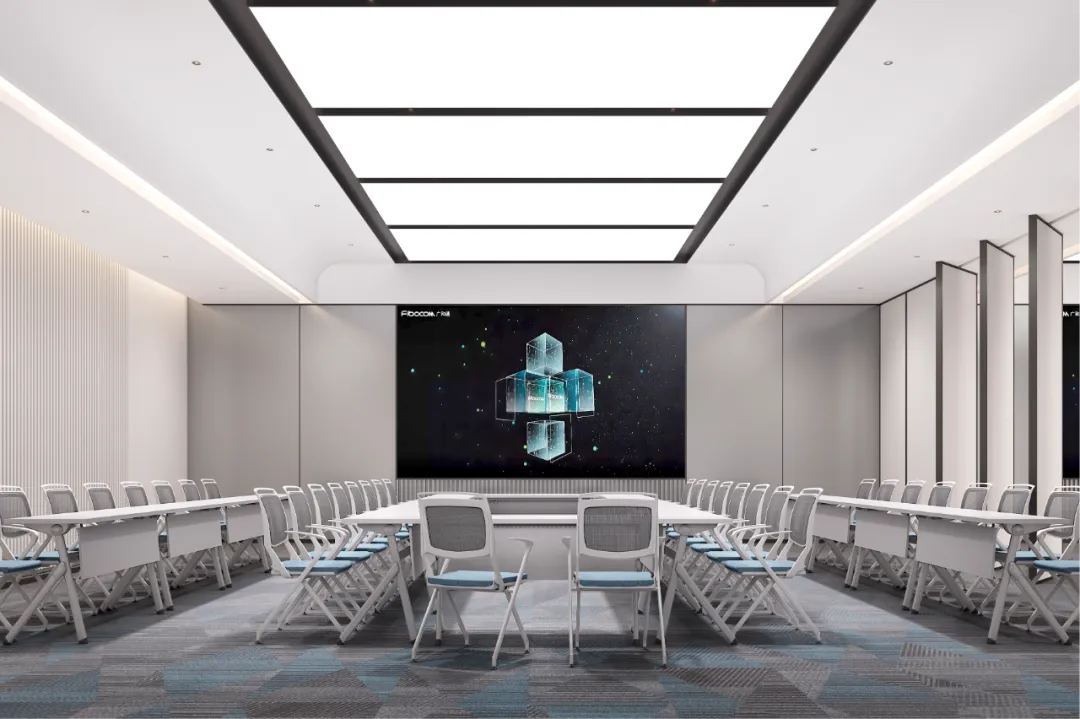
小组讨论、培训说明和远程汇报,对观看方向与座位关系的要求不同。有人主要看共享内容,有人需要看清发言者,也有人会离席写板书。先安排这些动作,再选择显示与拍摄位置,避免设备装好后才发现边角座位被挡住。
Group discussions, training and remote presentations have different viewing and seating relationships. Some participants mainly watch shared content, others need to see the speaker, and some leave their seats to write on a board. Arrange those actions before display and camera positions, avoiding obstructed corner seats discovered only after installation.
例如,一间既开周会又做线上演示的会议室,应检查共享画面时能否同时看见远程参与者,以及切换发言时是否需要重新接线。先确定最常用的工作方式,再保留必要的备用连接,比让每场会议重新寻找操作顺序更清楚。
For example, a room used for weekly meetings and online demonstrations needs checks on whether remote participants remain visible during screen sharing and whether changing speakers requires reconnection. Establish the most common workflow and a necessary backup connection so each meeting does not have to rediscover the operating sequence.
声音与画面一起测试
Test Sound and Image Together
远程参与者的体验不仅取决于摄像头。房间的回响、设备声、窗边背光和面部照明,都可能影响交流。应在实际座位上进行通话,观察边缘位置、板书区域和发言者移动后的画面,而不只站在屏幕前完成开机检查。
Remote experience depends on more than the camera. Room reflections, equipment noise, window backlighting and lighting on faces can affect communication. Make calls from actual seats, observing edge positions, writing areas and moving speakers rather than only checking that the system powers on while standing in front of the display.
多套声音设备同时开启时,需要确认不会出现重复播放或混乱的收音路径。连接逻辑越复杂,临时使用者越难理解。将常用输入、音量与静音操作放在容易找到的位置,并明确异常时可以采取的简单处理方式。
When several audio devices are active, check for duplicate playback or confusing capture paths. Complex connections are harder for occasional users to understand. Make common input, volume and mute controls easy to find, and define straightforward actions to take when something does not work.
给线缆和维护留下位置
Provide Space for Cabling and Service
桌面连接口应结合座位、设备与资料放置安排,线缆不要成为跨越通道的临时补丁。桌子可能移动时,要同时检查接口位置和线缆余量。无线连接减少部分线缆需求,也需要核对日常网络条件、访问方式与备用方案。
Arrange tabletop connections around seats, devices and document space, without using cables across walkways as a temporary fix. If tables move, review connection positions and cable slack together. Wireless sharing can reduce some cabling, but everyday network conditions, access methods and backup arrangements still need checking.
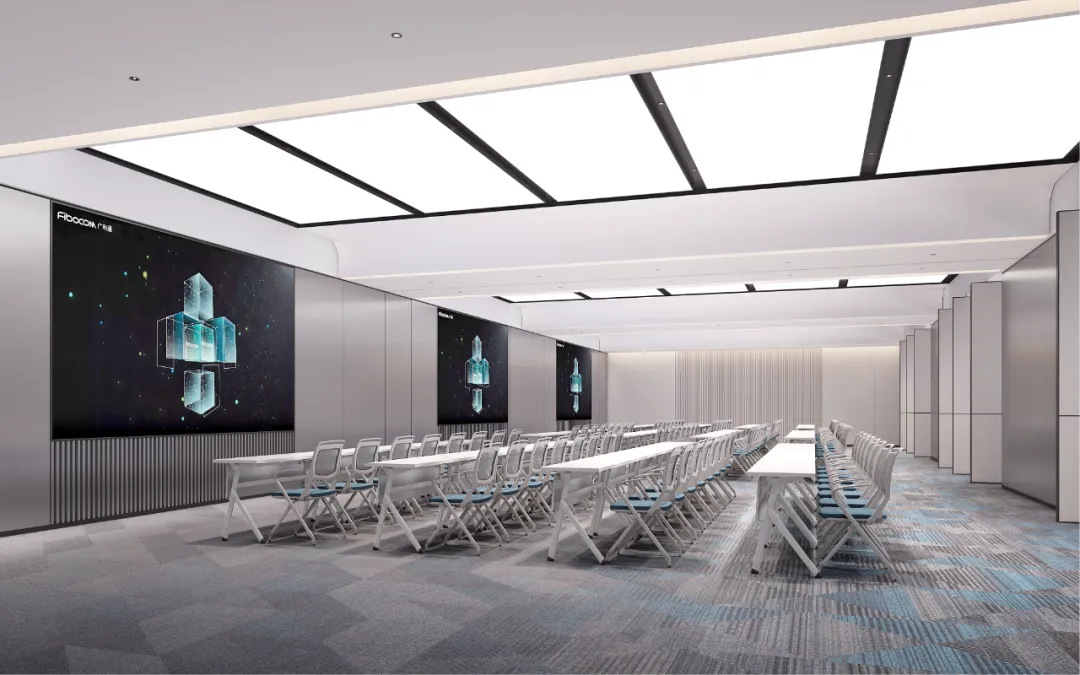
显示设备后方、控制设备所在柜体和连接节点,都要能检修与替换。藏得整洁不代表维护方便,应让设备尺寸、散热条件和开启方式参与家具设计。具体配置以实际设备资料核对,方案图片不能作为已安装型号或接口清单的依据。
Displays, control cabinets and connection points need service and replacement access. A tidy concealed installation is not necessarily easy to maintain. Include equipment dimensions, ventilation needs and access methods in furniture design, checking details against actual equipment information. Proposal images do not establish installed models or a list of available ports.
用一次陌生人试用完成检查
Check the Room with an Unfamiliar User
邀请未参与配置的人完成入场连接、共享内容、调节声音和散会归位,记录需要别人解释的步骤。再检查不同座位的观看与通话体验,以及断开连接后内容是否仍被共享。把这些问题写成简短操作说明,放在真正会用到的位置。
Ask someone uninvolved in setup to connect, share content, adjust sound and clear the room, recording steps that require explanation. Check viewing and call experience from different seats, and whether content remains shared after disconnection. Turn the findings into concise instructions placed where users need them.